



































Platform > Integration Layer > Forms + Manual Input
Forms + manual input.
Capture structured operational data at the source. Digitise field workflows, inspections, approvals + manual data entry - no paperwork or spreadsheets.


CAPABILITY OVERVIEW
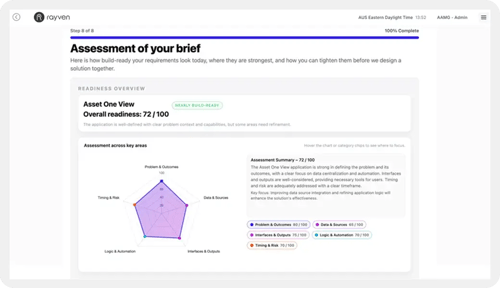
Turn manual data entry into a structured workflow.
Rayven's form builder digitises any manual data capture process into a configurable, branded form that feeds data directly into workflows.
Every submission can trigger connected workflows in real-time; routing data to storage, dashboards, AI models, or automated actions - all without manual re-entry, spreadsheets,email chains, or disconnected paper forms.
Inbound connections include:
-
Text + numeric field inputs
-
Date + time selection
-
Dropdown + multi-select fields
-
File attachments
-
Button-triggered workflow events
-
QR code-initiated form launches
KEY CAPABILITIES
What Forms + Manual Input give you.
Configurable form builder
Build forms with multiple field types: text, numeric, date, dropdown, multi-select + file upload. Set validation rules + control page reload behaviour per submission.
Real-time workflow trigger
Every form submission fires a workflow event immediately. Data is available to all downstream nodes - storage, AI, automation + alerting - within seconds of submission.
Secondary Table writes
Form submissions write directly to a Secondary Table via the Push Secondary Table Row node, linking field data to a specific asset, customer or entity UID.
File attachments
Forms support file upload fields. Attachments are stored via FTP + immediately available to connected workflows - useful for photo capture in field inspections or document submissions.
Mobile-ready interfaces
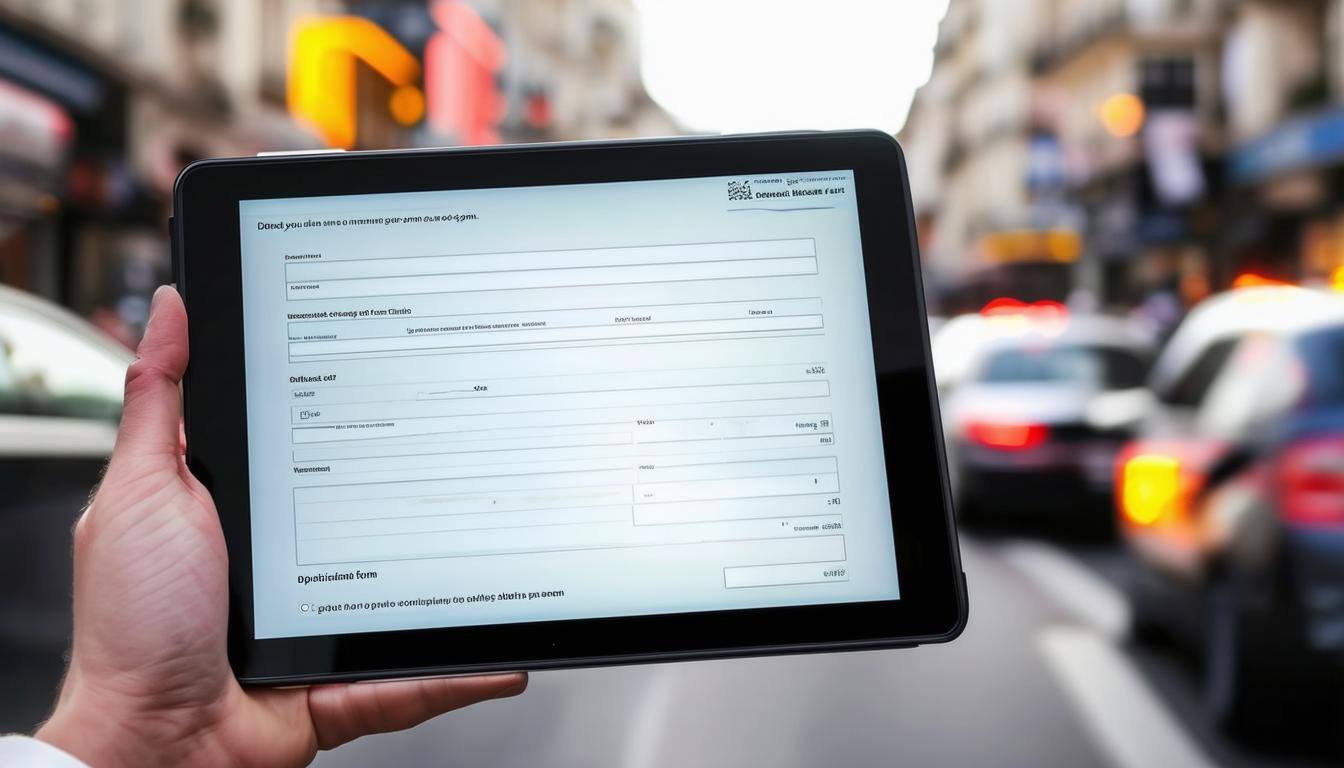
Rayven forms render on any device via browser. No app installation required. Field teams access forms via URL or QR code on any smartphone or tablet, submitting in real time over any network.
QR code-triggered forms
Combine with Rayven's QR Code Generator to launch a specific form by scanning an asset or location code. Ensures data is captured against the correct UID without manual record lookup.
HOW IT CONNECTS: EXPLAINER
Where Forms + Manual Input fit in the Rayven Platform stack.
Form nodes sit in the Integration Layer as a human-in-the-loop data ingestion mechanism - the manual equivalent of a sensor or API connector.
Once submitted, form data flows into:
-
The Data Layer for storage + aggregation against asset or entity UIDs
-
The Execution Layer where workflow logic, approvals + automated actions process the submission
-
The Presentation Layer where submitted data surfaces in dashboards, tables + operational interfaces
Manual form data and automated data sources now merge into the same workflow pipeline, treated identically once submitted.
USE CASES
How Forms + Manual Input gets used.
Field inspection digitisation
Site personnel scan an asset QR code, complete a structured inspection form + submit. The workflow logs the result to a Secondary Table, updates the last-inspection timestamp + triggers an alert if a defect is recorded - all within seconds.
Customer onboarding workflow
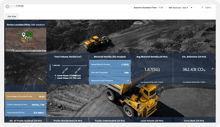
A financial services firm captures onboarding data via a Rayven form in a client portal. Submission fires a workflow that validates inputs, creates a client record + routes the application to the next stage - no manual re-entry between systems.
Partner-built service request portal
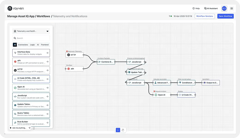
An MSP builds a white-label service request portal using Rayven forms. Clients submit requests via a branded interface and the MSP's team receives structured data in a workflow dashboard with automated routing based on request type.
Forms + Manual Input FAQs:
What field types does the form builder support?
Text, numeric, date/time, dropdown, multi-select + file upload. Validation rules can be set per field to ensure data quality at the point of capture. Build forms in the Custom Form Builder.
Can forms be embedded in external websites or portals?
Yes. Rayven forms can be accessed via direct URL or embedded in custom interfaces built on the platform. For third-party site embedding, use the iFrame widget. See the full Presentation Layer for interface options.
How quickly is submitted data available to downstream workflows?
Immediately. Form submissions trigger the connected workflow in real-time. Data is available to all downstream nodes - storage, AI, automation + alerting - within seconds. Explore the Execution Layer.
Can forms write to existing database tables?
Yes. The Push Secondary Table Row node writes form submission data to a configured Secondary Table, linked by UID to a specific asset, customer or entity record. Learn how the Data Layer manages structured tables.
Is mobile access supported?
Yes. Rayven forms are browser-based and render on any device. No app installation required. Field teams access forms via URL or QR code on any smartphone or tablet. See all Presentation Layer interface options.
Can a form submission trigger an automated alert?
Yes. The workflow connected to a form can include a Conditional Filter or Rule Builder that evaluates submitted values and triggers email, SMS or webhook alerts based on defined conditions. See Notifications + Alerts.
Can forms capture file attachments such as photos?
Yes. File upload fields allow users to attach images, documents + other files. Attachments are stored via FTP and immediately accessible to the connected workflow. See File Uploads for more on file ingestion.
Can the same form be used across multiple assets or locations?
Yes. Forms can be launched with a UID parameter - via an asset-specific QR code - so the same template captures data against different records without duplication. Learn how the Data Layer manages per-UID records.
Is conditional display logic supported?
Display logic can be configured to show or hide fields based on prior selections. This keeps forms clean and context-relevant for the person completing them. Build in the Custom Form Builder.
Can forms be combined with automated data sources in the same workflow?
Yes. Manual form data and automated sources - sensors, APIs, file ingestion - flow into the same workflow pipeline. Manual and machine data are treated identically once submitted. See all Integration Layer data sources.
Also in the integration layer:
Fast-Track IT/OT Connectors
1,228+ fast-track connectors across CRM, ERP, BI, AI/LLM services + industrial systems.
File Uploads
Ingest files directly via FTP, FTPS, SFTP + AWS S3, or through manual uploads within the platform.
Custom Integrations
Build bespoke two-way integrations via HTTP request nodes, REST API adapters + custom webhook endpoints.
IoT Devices + Protocols
Native support for MQTT, Modbus, LoRaWAN, SNMP + Raw UDP for edge and industrial device connectivity.
API Endpoints
Expose processed platform data to external systems via authenticated GET endpoints + inbound POST hooks.
AI Connectors
Connect to OpenAI, Claude, Gemini, Cohere + more as workflow nodes for LLM-powered integration + processing.
Streaming Data Connectors
High-frequency ingestion via AWS Kinesis, MQTT + AMQP into Cassandra time-series storage.
Join the Shift
Discover the easy way to do something new.
Book a free 30 minute assessment with our team and we'll scope your project, needs + what a solution might look like.