



































Platform > Data Layer > Unified Data Tables
Unified data tables.
Structured relational storage for every entity, asset + record in your operation - anchored by UID, organised by Labels, queryable in real-time.



CAPABILITY OVERVIEW
The structured data layer beneath every workflow.
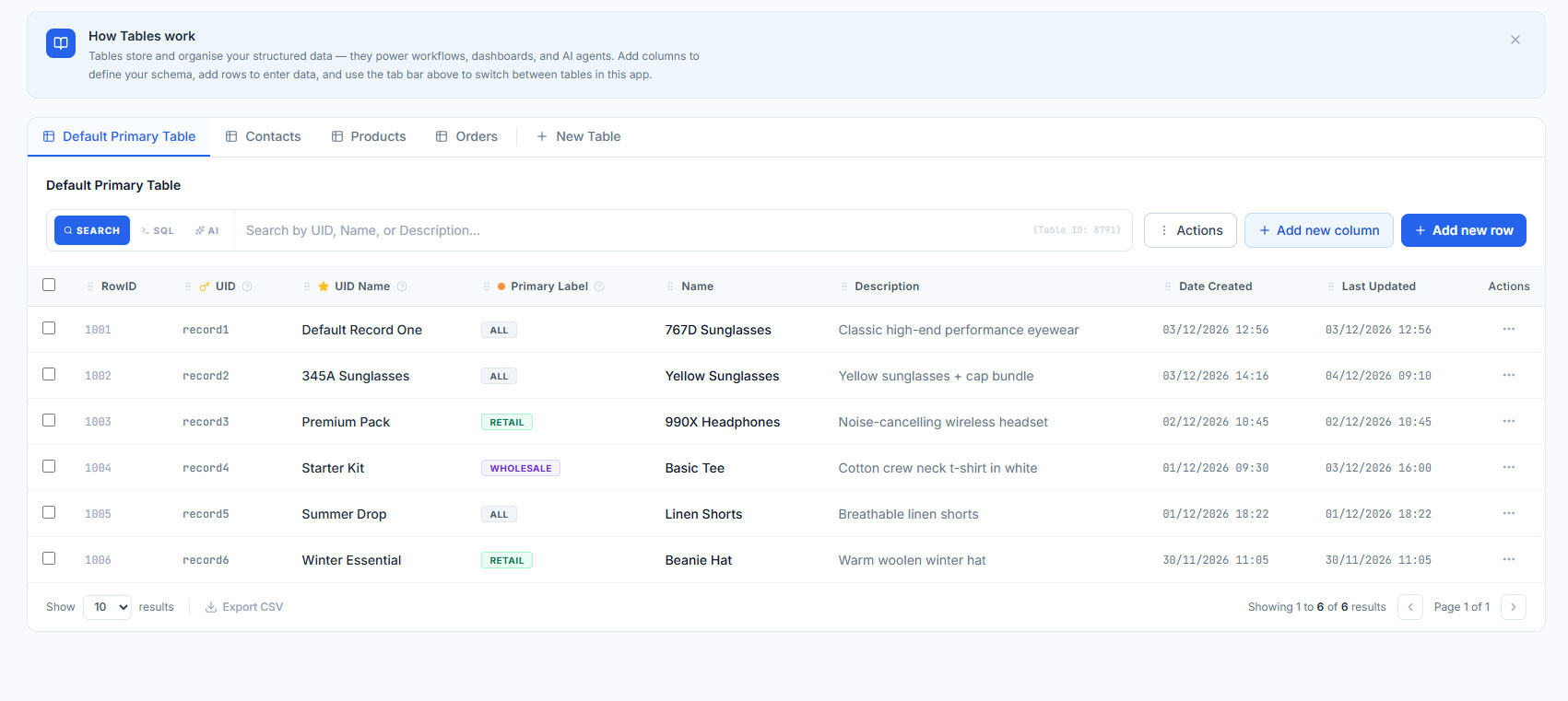
Rayven's Unified Data Tables provide the relational foundation for every asset, customer, entity or record in the platform.
Primary Tables anchor data by UID and support Label-based grouping for filtering, access control + aggregation. Secondary Tables store associated metadata and relational records linked by UID.
Every table is queryable in real-time via workflow nodes, API endpoints, or dashboard widgets - without a separate database tool or query interface.
Inbound triggers include:
Manual data entry via UI
Bulk CSV upload
Form widget submissions
Workflow node writes (Update Tables node)
API POST ingestion
FTP file ingestion + parsing
KEY CAPABILITIES
What Unified Data Tables give you.
Primary Tables
The entity anchor for all structured data in Rayven. Each row is tied to a UID - an asset, customer, device or record. Columns include Labels for grouping, filtering + access control across workflows and interfaces.
Secondary Tables
Store relational metadata linked to Primary Table UIDs. Use Secondary Tables for timestamped event logs, inspection records, task lists or any data with a one-to-many relationship with a primary entity.
Label-based access control
Labels group records by site, region, customer or any category. They control which workflows, dashboards + users can access which data - without building separate applications per group.
Query Tables node
Retrieve records from Primary or Secondary Tables using dynamic SQL conditions within a workflow. Filter by UID, Label, date range or field value - feeding query results directly into downstream processing steps.
Update Tables node
Write data back to Primary or Secondary Table rows from any point in a workflow. Update field values, status flags, timestamps + calculated results as part of any automated or triggered process.
Bulk upload + manual entry
Populate tables via CSV bulk upload, manual UI entry or form widget submissions. Useful for importing historical records, seeding reference data + enabling human-in-the-loop data entry alongside automated ingestion.
HOW IT CONNECTS: EXPLAINER
Where Unified Data Tables fits in the Rayven Platform stack.
Unified Data Tables sit at the core of the Data Layer, providing the structured relational store that workflows read from and write to.
-
Data flows in from the Integration Layer via automated ingestion, form submissions + file uploads.
-
Workflows in the Execution Layer query, update + react to table data in real-time.
-
The Presentation Layer reads table data for dashboards, reports + custom interfaces.
-
API endpoints expose table data to external systems on demand.
USE CASES
How Unified Data Tables gets used.
Asset registry for an industrial fleet
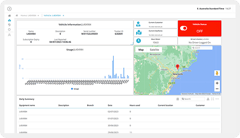
An energy operator stores 3,000 asset records in a Primary Table - each with UID, site Label, asset type + current status. Workflows update the status field when a sensor threshold is breached. The asset registry becomes the live single source of truth, queryable by site, type or condition in any dashboard.
Customer records for a financial services portal
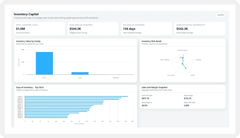
A financial services firm stores customer profiles in a Primary Table and transaction records in a Secondary Table linked by customer UID. A dashboard surfaces each customer's live account data using Label-based access control - each advisor sees only their own clients.
Partner managing multi-client data in one instance
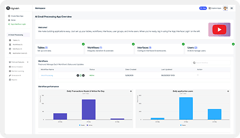
An MSP uses Label columns to segment client records within shared Primary Tables. Each client's data is isolated by Label - workflows, dashboards + API endpoints only surface data matching the authenticated user's Label. One instance, many clients, no data cross-contamination.
Rayven Unified Data Tables FAQs:
What is the difference between a Primary Table and a Secondary Table?
A Primary Table stores the defining attributes of each entity - its name, type, location and reference data. A Secondary Table stores structured operational records linked to an entity by UID - inspection logs, readings, maintenance records. Learn about storage at SQL + Cassandra Storage.
What is a UID in Rayven?
A UID (Unique Identifier) is the shared key that links all data for a given entity - asset, customer, location or device. Every table row, time-series reading and workflow execution is tagged with the relevant UID, enabling per-entity queries and dashboards without custom joins. See Data Layer architecture.
Can I query across multiple data tables in a single workflow?
Yes. Workflow nodes can read from Primary Tables, Secondary Tables and Cassandra simultaneously. Data from different tables is merged by UID within the workflow logic. Explore the Execution Layer.
How do Unified Data Tables support AI model training?
Any table or combination of tables can be used as a training dataset for Rayven's Python ML modeller. UID-based data organisation makes it straightforward to produce per-entity feature sets for supervised or unsupervised learning. See AI Models + Training.
Are data tables accessible via API?
Yes. Any Rayven dataset can be published as an authenticated GET endpoint. External systems can query current or historical table data without direct database access. See API Endpoints.
How many tables can I create?
There is no fixed limit on the number of Primary or Secondary Tables. Tables are created within the workflow builder or data management interface and scale with your platform tier. Learn about Data Management.
Can table data feed directly into dashboards?
Yes. Dashboard widgets connect directly to Primary and Secondary Table data, filtered by UID or label. This enables per-asset or per-customer views without duplicate data storage. See Dashboards + Visualisations.
Is time-series data stored separately from structured tables?
Yes. High-frequency time-series data (sensor readings, telemetry) is stored in Cassandra, indexed by UID and timestamp. Structured reference and operational data lives in MySQL. Both are queryable from workflows and dashboards. See SQL + Cassandra Storage.
Can multiple teams access the same tables with different permissions?
Yes. Label-based access control governs which users and roles can see which UID sets. A field technician sees their assigned assets only; a manager sees all. Configure access at Security.
Can I export table data to external systems?
Yes. Data can be written out via API endpoints, FTP output nodes or SQL write nodes - feeding downstream BI tools, data warehouses or partner systems. See the Integration Layer.
Also in the Data Layer:
Real-time Data Processing
Sub-second ingestion + processing of live sensor, device + event data with built-in deduplication + schema validation.
Data Management
Configure retention policies, inspect workflow payloads, export raw data + manage data lifecycle across the platform.
Data Transformation
JavaScript, Advanced Function + Combine Data nodes for schema mapping, enrichment + normalisation within workflow processing chains.
File Parsing
Ingest + parse files from FTP, S3 + manual uploads into structured, real-time data available to workflows and AI models.
Calculation + Aggregation
Sum, average, count + aggregate across UID or Label over any defined time window - at the point of processing.
AI Models + Training
Train Python ML models on Cassandra time-series data + deploy predictions as real-time workflow steps.
SQL + Cassandra Data Storage
Hybrid storage architecture - MySQL for relational records, Cassandra for time-series + event data.
Join the Shift
Discover the easy way to do something new.
Book a free 30 minute assessment with our team and we'll scope your project, needs + what a solution might look like.